Bill.com bills you. Nickel empowers you.
Why pay per user for multi-day payment delays? Nickel offers unlimited free ACH, no per-user fees, and payment processing that keeps your money moving.


Nickel vs. Bill, feature by feature.
Core Features
Three* reasons customers choose Nickel over Bill
*There are a lot more than three
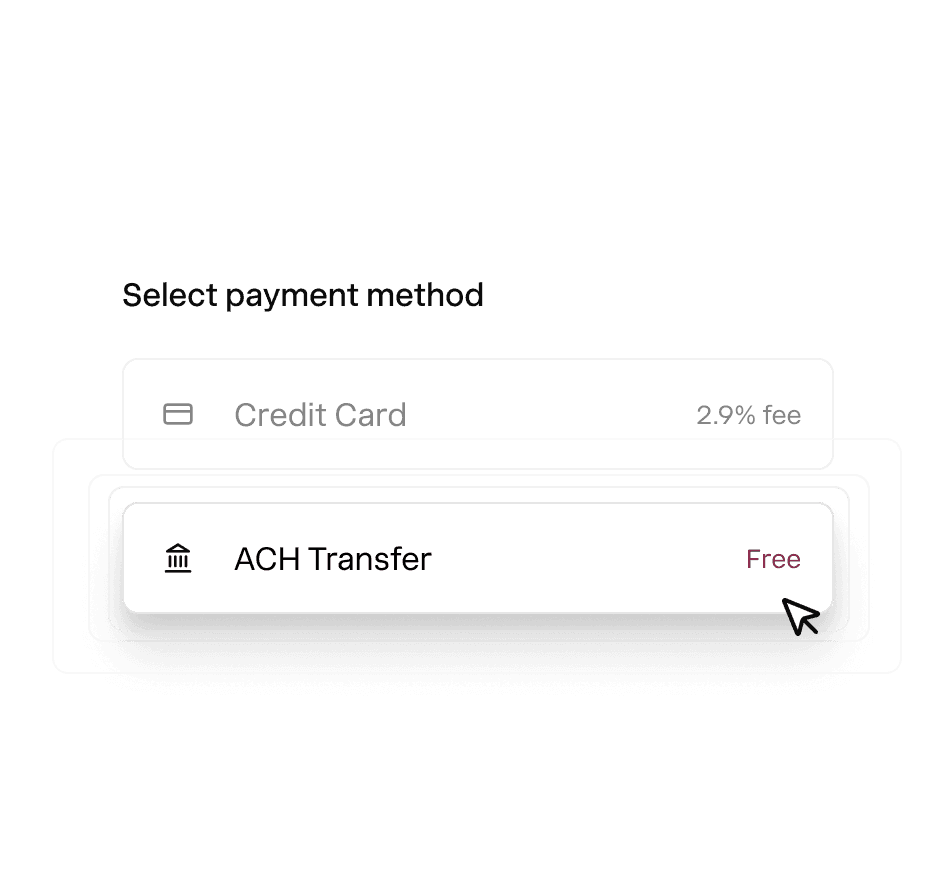
Truly unlimited free ACH payments. Send and receive ACH payments for free. No monthly caps or restrictions.
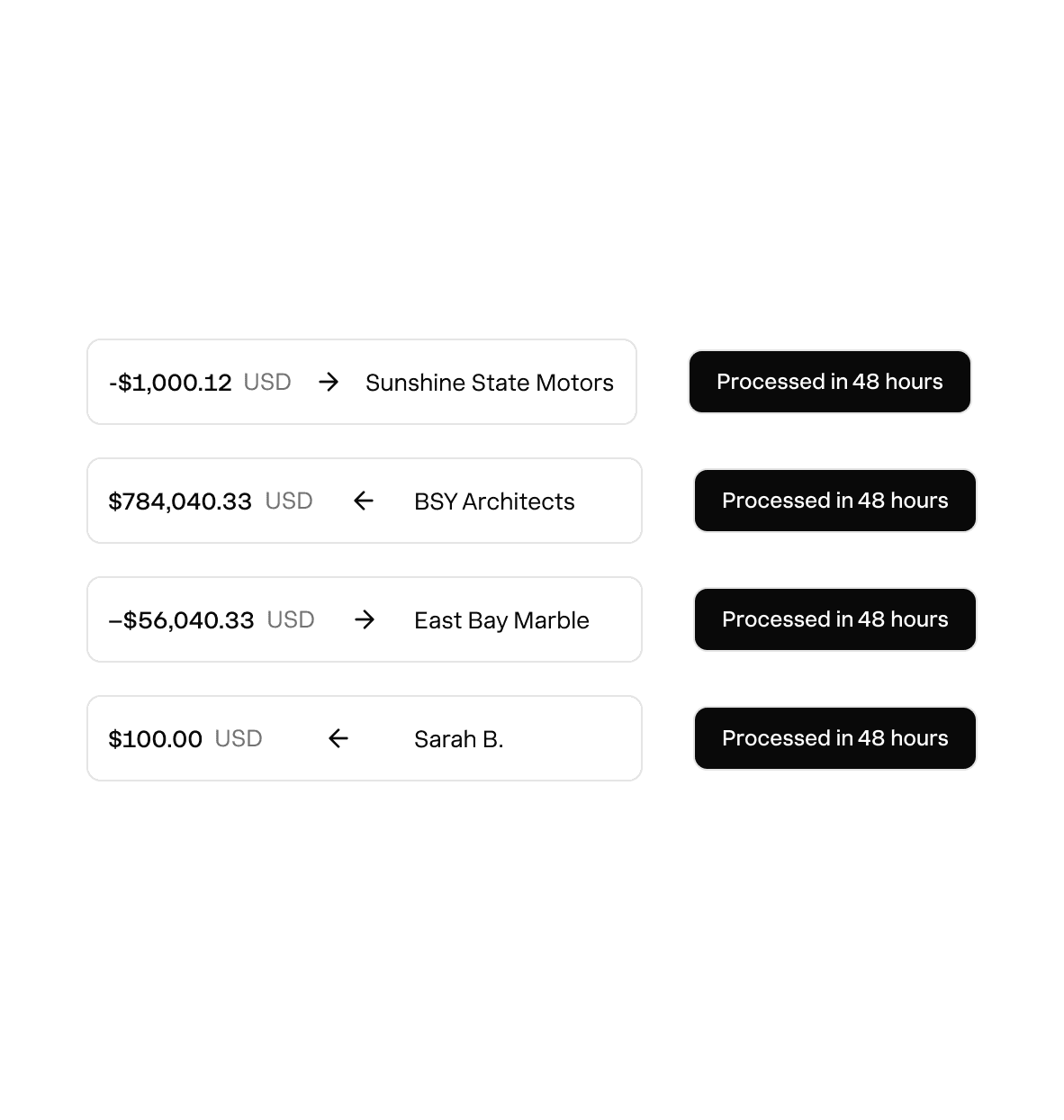
High value transactions. Process large payments up to $1M each without a hiccup or surprise holds.

Transparency & live support. Nickel is upfront about the status of your payments and you're never left guessing.
Rated above what you're using now.
Hundreds of 5-star G2 reviews from businesses that switched and never looked back.

“Nickel doesn't charge hidden fees and links to Quickbooks seamlessly”

“Best AR/AP platform I have ever used.”

“What used to take an hour can now be done in less than 10 minutes.”
One platform for your cashflow.
Invoice Payments
Request upfront, deposits, and milestone payments on any invoice.
Payment Page
Launch payment page for any product or service with no code.
Auto Pay
Save bank or card details on file and auto charge customers without the wait.
Bill Pay
Pay any business or 1099 contractor globally with card, ACH, wire or check.
Vendor Onboarding
Collect and verify vendor bank, business and tax details with a secure link.
Integrations and API
Sync with Quickbooks Online, Desktop, CRMs and all major US banks.
Get started with Nickel. Sign up in minutes.

Try Nickel for free. No credit cards, no credit checks. Get started in 5 minutes.

Roll out in minutes. Connect your accounts and start paying and getting paid.
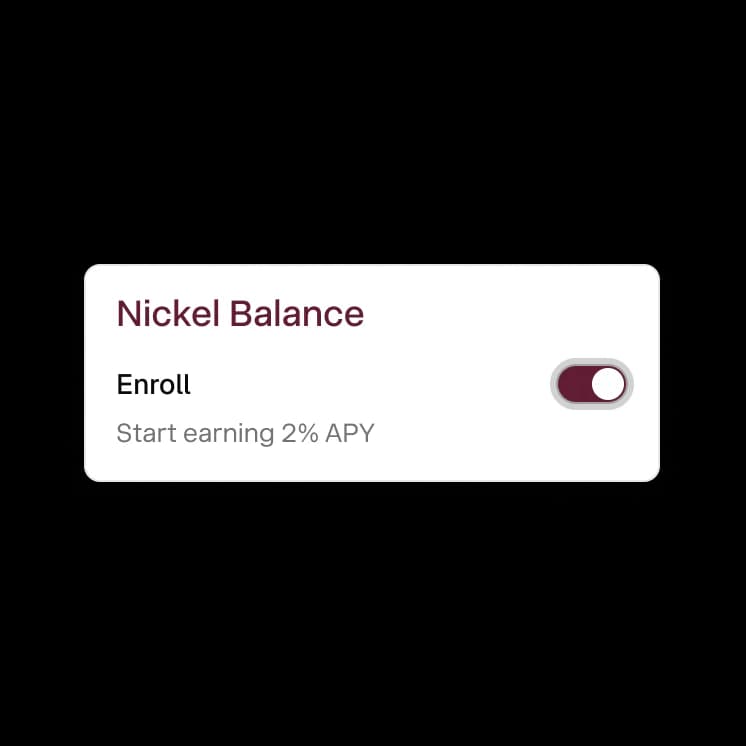
Enable Nickel Balance. Earn 2% on idle cash and send and receive payments instantly.
Frequently asked questions
How do I switch from Bill.com to Nickel?
Sign up for Nickel and connect your QuickBooks account. Your customers, vendors, invoices, and bills sync over through the QuickBooks integration. You can start paying vendors and collecting payments through Nickel the same day. There's no manual CSV export or data migration to manage.
How long does it take to be fully live after switching?
Most businesses are sending invoices and paying vendors on day 1. The QuickBooks integration takes about 5 minutes, and your records sync immediately. Vendor re-onboarding (having vendors submit their bank info through Nickel's secure link) takes a day or two depending on how quickly they respond.
Does Nickel handle both AP and AR in one platform?
Yes, Nickel does both. You can send invoices, collect payments, set up recurring billing, and run autopay on the AR side. On the AP side, you can pay vendors, onboard them securely, batch-pay bills and route approvals. Everything syncs to QuickBooks from one integration and you see AR and AP in one dashboard.
Does Nickel require a long-term contract?
No, Nickel doesn't require a contract. You can start on the free Core plan or sign up for Plus or Pro on a monthly basis and cancel anytime. There's no cancellation fee, no minimum commitment, and no penalty for downgrading.
My bank has frozen large payments before. Will Nickel do that?
We can't promise that a suspicious payment will never be held, but Nickel's infrastructure is specifically designed for small businesses processing large payments, so it's far less likely to happen. If it ever does, our support team is highly responsive and reaches out to you directly.
Ready to leave Bill behind?
See your ROI and savings using our calculator
Savings calculator →See a demo. See how Nickel can improve your cashflow in 30 minutes.
Talk to our experts →